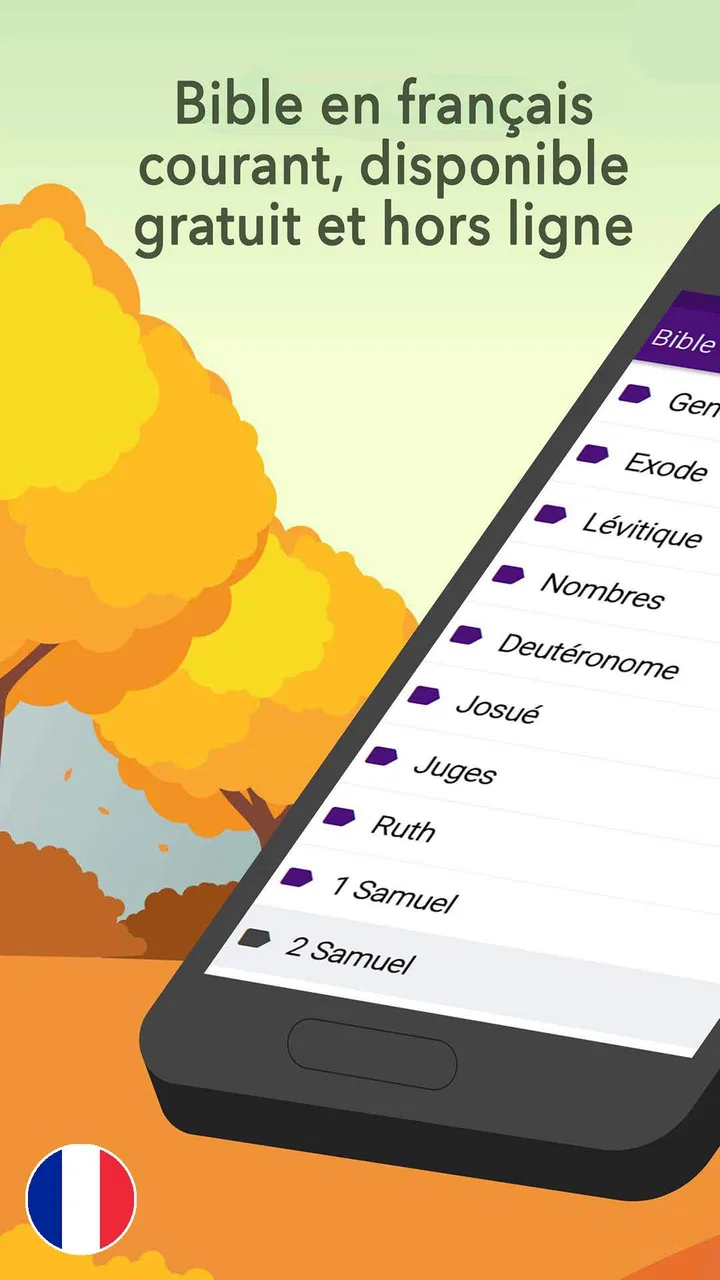
Bible en français courant
- 4.7
- Rating
- 500.00K
- Installs
- Free
- Price

 Analysis by App-foxy
I approached Bible en français courant as a practical reading tool rather than as a substitute for a complete study library. It is a free Bible app in the Libraries & Demo category, developed by KJV Bible offline, and its central appeal is straightforward: it gives French-speaking readers a way to keep the Bible available on an Android device without treating the experience like a social network, a course platform, or a heavily decorated media app. In my use, that simplicity is its strongest starting point.
The app has a 4.7 average from around 11K ratings and has passed 500K installs, which suggests that it has found a substantial audience. Those figures do not tell me whether every reader will enjoy the interface, but they do make the app worth examining for anyone who wants a French Bible that is easy to open during a quiet moment, a commute, a church discussion, or personal reading time. It is rated for Everyone, so its intended audience is broad rather than limited to a specialist group.
What the reading experience feels like in daily use
The first thing I value in a Bible app is how quickly it gets out of the way. When I want to read a passage, I do not want to spend several minutes moving through promotional screens, account prompts, or unrelated content. This app is best understood through that lens. Its purpose is focused on French Bible reading, and the current version, Bible En Francais COURANT 15.0, presents itself as a tool for people who want the text close at hand.
You May Also Like

 Blood Strike: 2.5 Anniversary
Blood Strike’s Loadouts Turn Every Drop Into a Tactical Gamble
A close look at Blood Strike’s custom loadouts: how fast access to signature weapons reshapes its battle royale rhythm, rewards preparation, and narrows the gap between fights.

 Pandora - Music & Podcasts
Pandora’s Music Is Easy to Start, but Harder to Recover
Pandora’s strength is its low-effort path from a seed to a station. Its weak spot is how much confidence it asks you to place in connection, setup, and quiet recovery.

 8 Ball Pool
 Is Built on Rivalries, Rematches, and Routine
A close look at the rivalries, rematches, shared routines, and unanswered safety questions that turn a quick pool match into a persistent mobile community.

 Samsung Music
’s Quiet Strength Is Playing What You Already Own
Its reach comes less from spectacle than from dependable access to a personal library. That simplicity is both the app’s strongest retention engine and its ceiling.

 AccuWeather: Weather Radar
AccuWeather Review: A Quick, Clear Forecast for Everyday Decisions
For everyday plans, the best forecast is the one you can understand quickly. AccuWeather makes rain timing, radar, and local conditions easy to act on, with a few trade-offs.

 Hill Climb Racing
Why Hill Climb Racing Still Turns Crashes Into One More Run
A tiny car, a bumpy hill and one more upgrade: Hill Climb Racing keeps resurfacing because its simple chaos makes every near-miss feel personal.
More From Our News Desk



That makes it suitable for an everyday situation such as preparing a short morning reading before leaving home. I can open the app, locate the book and passage I need, read without carrying a printed copy, and return later when I have more time. The same workflow works for someone attending a small group: instead of switching among browser tabs, a search engine, and a general note-taking app, the Bible remains the central reference point.
The French wording is especially important here. Readers who find older or more formal translations difficult may appreciate a more contemporary reading style, while people who already know a different translation should remember that wording can affect interpretation. I would use this app confidently for regular reading and comparison, but I would not treat one translation as the only possible way to understand a difficult verse. For serious study, checking another trusted translation or a printed study edition remains sensible.
The app’s free price lowers the barrier to trying it. That matters for a reader who wants to test a French Bible before committing to a paid edition or a larger digital library. At the same time, in-app purchases are listed at $0.99 per item, so I would pay attention to any purchase prompt and decide whether an optional item genuinely improves my own reading routine. The free starting point is useful, but “free” should not mean tapping through every offer without reading what it does.
Who will get the most from this app
I see the best fit in several groups. A French-speaking reader who wants a dedicated Bible on a phone will find the focus more comfortable than opening a general web browser. Someone returning to regular reading may also prefer the low-friction approach, because the app does not require building an elaborate study system before opening a passage. Families can use it as a shared reading reference, and older readers may appreciate having the text available digitally instead of carrying a large book.
It can also work well for a person who reads in short sessions. Five or ten minutes during a lunch break, a waiting period, or the end of the day is enough to make a focused reading habit possible. I would not measure the app only by how many advanced tools it offers; for many people, the meaningful feature is simply that the text is present when the opportunity to read appears.
There are also clear cases where I would choose something else. If I needed several French translations side by side, extensive original-language tools, scholarly notes, audio resources, or a mature cross-reference system, I would look toward a broader Bible study platform or a dedicated printed study Bible. If I wanted a polished reading plan with a strong community layer, I would compare it with an app built specifically around plans and social encouragement. This app’s value is narrower, and that narrowness is both its advantage and its limitation.
Trust starts with what the app visibly lets me control
When I review an app that handles personal reading habits, I pay attention to control rather than making assumptions. A Bible app may seem harmless, but reading history, bookmarks, notes, and account details can still feel personal. I do not want to infer privacy promises that are not plainly available, so my practical advice is to inspect the permission requests and any privacy or account screens shown on your own device before settling into long-term use.
The developer name shown for the app is KJV Bible offline. That is useful context when comparing versions or deciding which listing to install, especially because Bible apps can have similar names and visual identities. I would check the developer label carefully before downloading an update or an alternative edition. This small habit reduces the chance of confusing one Bible application with another.
I also recommend reviewing Android’s permission manager after installation. The operating system provides the clearest place to see which permissions are currently granted, and you can remove permissions that do not seem necessary for the way you use the app. This is not a claim about what the app requests; it is a practical user-control step that applies whenever a new application is installed. If the app works for your needs without a particular permission, I prefer leaving that permission disabled.
The minimum operating-system requirement is Android 6.0. That makes the app accessible to people using older supported Android phones, although compatibility alone does not guarantee that every device will feel equally smooth. On an older phone, I would leave enough storage available for updates, keep the operating system maintained where possible, and test the app before relying on it for an important meeting or trip.
Where personal data and attention deserve care
The most sensitive moments are not necessarily dramatic. They happen when an app asks me to create an account, enable a permission, accept a purchase, or allow a notification that changes how often I return. For this Bible app, I would pause at each of those points and choose only what supports my actual reading habits. A notification can be helpful for a routine, but it can also become noise if I already have a reading schedule elsewhere.
I would be equally careful with notes and bookmarks. If the app offers those tools on the device, I would avoid treating them as a guaranteed backup unless the app clearly explains synchronization and account recovery. A personal reflection or a carefully built list of passages can be difficult to recreate after changing phones. My habit is to keep especially important notes in a separate place that I control, rather than assuming every app stores them safely across devices.
Purchase prompts deserve the same calm attention. The listed price of $0.99 per item is small, but repeated small purchases can still become unwanted spending if I tap quickly. I would read the label for each item, confirm whether it is optional, and use the device’s purchase authentication settings. This is particularly important on a shared family phone, where an Everyone age rating may make the app suitable for a wide audience but does not remove the need for sensible purchase controls.
I also avoid granting broad access simply because an app is useful. If a permission appears, I ask myself what reading task requires it. If the answer is unclear, I postpone the decision and test the basic experience first. That approach gives me a better sense of which functions are essential and which are merely convenient. It also keeps the user, rather than the app, in charge of the device’s boundaries.
Useful workflows that are easy to overlook
One practical workflow is to separate reading from research. I use the app for the passage itself, then move to a trusted secondary source only when I need historical context, translation comparison, or commentary. This prevents a simple reading session from turning into an endless chain of searches. It also helps me remember that a concise French translation can be excellent for comprehension while still being only one part of deeper study.
A second useful habit is to prepare the passage before a group meeting. Rather than opening the app for the first time as the discussion begins, I locate the relevant book and chapter earlier, read the section once, and note the questions I want to ask elsewhere. This makes the app a dependable reference during the meeting instead of a distraction. It is a small workflow change, but it makes a focused Bible app feel much more useful.
A third trade-off concerns offline expectations. The developer name includes “offline,” and the app is clearly positioned as a Bible reading tool, but I would still test the exact behavior on my own phone before traveling or entering a place with weak reception. Opening several passages in advance is a sensible precaution. I would not wait until an airplane, rural area, or basement room to discover that a particular screen behaves differently without a connection.
Another overlooked point is device sharing. If several people use the same phone or tablet, I would check whether reading history, notes, or preferences are visible to everyone who opens the app. If the device is personal, this is less of a concern; if it is shared, separate profiles or a different reading arrangement may be more appropriate. The key is not to assume that a simple Bible reader automatically separates every person’s activity.
How it compares with common alternatives
Compared with reading the Bible in a mobile browser, this app offers a more dedicated route to the text. A browser is flexible and can open many translations and reference sites, but it also brings tabs, advertisements, login prompts, and unrelated distractions into the same session. I prefer the app when my goal is simply to read in French. I prefer the browser when I need to compare multiple sources quickly.
Compared with a large Bible platform, this app is likely to appeal to readers who do not want a crowded ecosystem. Larger services can be better for reading plans, audio, study notes, social features, and cross-device accounts, but they may require more setup and expose more choices than a casual reader wants. I would choose the larger platform for structured study and this app for a direct reading routine, provided its available controls match my expectations.
Compared with a printed Bible, the phone wins on portability and immediate access. The printed edition wins on visual calm, ownership independent of battery life, and the ability to mark pages without thinking about app updates or device settings. For long, reflective sessions, I still understand why many readers prefer paper. For travel, waiting rooms, and spontaneous reading, the app is much easier to carry.
My careful recommendation
After weighing the focused purpose against the limitations, I would recommend this app to someone who wants a free French Bible reader that is easy to keep available on an Android phone. Its strong points are practical: a clear language focus, broad age suitability, a low entry cost, and enough adoption to make it a familiar option in its category. The 4.7 average is encouraging, but I would still judge the experience on my own device and reading style rather than relying on a rating alone.
I would recommend a little preparation before making it part of a serious routine. Confirm the developer name, review permissions in Android settings, read purchase prompts carefully, and test the passages or functions you expect to use without a connection. If you keep personal notes, decide where those notes should live and whether the app’s own storage is sufficient for your needs. These steps take very little time and give me more confidence than simply installing an app and accepting every default.
The app is not my first choice for advanced theological research, multi-translation comparison, or a feature-rich community experience. It is also not automatically the best option for someone who wants audio, extensive commentary, or a carefully managed account ecosystem. In those situations, a broader Bible platform or a physical study edition may serve better.
For straightforward French reading, however, I find the proposition easy to understand. Bible en français courant works best when I treat it as a focused reading companion, not as an entire study library. That honest expectation keeps the experience useful: I can open it for a passage, use it in a daily routine, and bring in other resources when the question demands more depth. For readers who value that balance and are willing to check their own privacy, permission, and purchase choices, it is a sensible free app to try.
FAQs for Bible en français courant
01What is Bible en français courant, and who is it for?
Bible en français courant is a mobile application offering the full text of the Bible in contemporary French. It is ideal for French-speaking users who wish to read and study the Bible in a modern and accessible language. The app is suitable for both new readers of the Bible and those familiar with it, looking for a fresh perspective.
02Does Bible en français courant require an internet connection?
Bible en français courant can be used offline, allowing users to access the scriptures without an internet connection. This feature is particularly useful for users in areas with limited connectivity or those who prefer to study the Bible without distractions from online activities.
03What features does Bible en français courant offer to enhance reading?
The app provides features like bookmarking, highlighting, and note-taking to enhance the reading experience. Users can also search for specific verses and access daily devotionals. These tools make it easy to personalize the study of the Bible and track personal reflections over time.
04Is the Bible en français courant app free?
Bible en français courant offers a free version with basic features. However, it may also provide in-app purchases or subscriptions for advanced features or additional content. It's advisable to check the app store for the latest information on pricing and features to ensure it fits your needs.
05How user-friendly is the Bible en français courant app?
The app is designed with an intuitive interface that is easy to navigate, making it accessible for users of all ages. Its clean design and straightforward functionality ensure that users can focus on reading and studying the Bible without encountering technical difficulties or confusing menus.
Pros
- Easy-to-navigate interface for quick access.
- Offline access to scriptures anytime.
- Includes audio versions for ease of use.
- Regular updates enhance app stability.
- Customizable reading plans available.
Cons
- Limited font customization options.
- Ads can be distracting during reading.
- Audio feature requires internet connection.
- No night mode for low light reading.
- Occasional glitches in search function.

Bible en français courant
Gallery